
Parent-child chat in CyberNanny — why kids don't uninstall
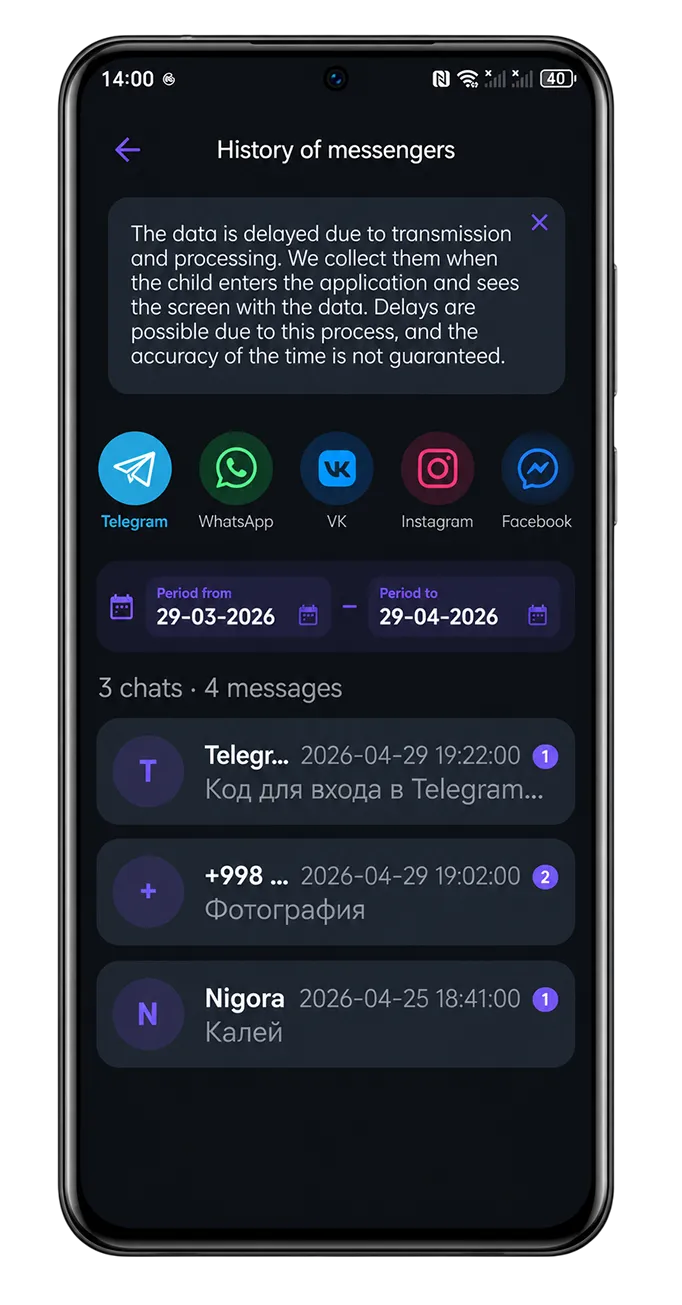
One of the main problems with parental apps — kids uninstall them. A teenager doesn't like feeling surveilled and at the first opportunity removes the "forced" app. We solved this with a simple mechanism: parent-child chat inside CyberNanny.
Why it works
A child won't uninstall an app they use to text their parent — because it's their own communication channel with the family. CyberNanny stops being seen as "surveillance" and becomes "our messenger".
Unlike forced surveillance, chat is a mutually beneficial tool: kids get a fast way to ask for help, arrange meetups, send location. Parents get a guarantee the app stays installed.
What the chat can do
- Text messages — regular messenger
- Voice messages — quick replies on the go
- Photos and videos — send and receive
- Documents — PDF, screenshots, files
- Message history — everything saved in the cabinet
- Edit / Delete — fix typos, delete mistakes
- Read receipts — see when the other side read
- Typing indicator — see when they're typing
- Home screen widget — quick access from the lock screen
Security
Messages are stored on our servers with encryption. Access — only you and your child (by login). Backup in the parent cabinet — if the child loses their phone, history is preserved.
Free plan
Chat is fully in the free plan. No limits on messages, photos, or history. It's a deliberate choice — we want chat to be part of family communication, not a premium feature.
How to start
On the parent device, open CyberNanny → "Chat". On the child's device — same, the chat appears automatically after device pairing. Send the first message immediately.
Questions — @cybernanny_support.